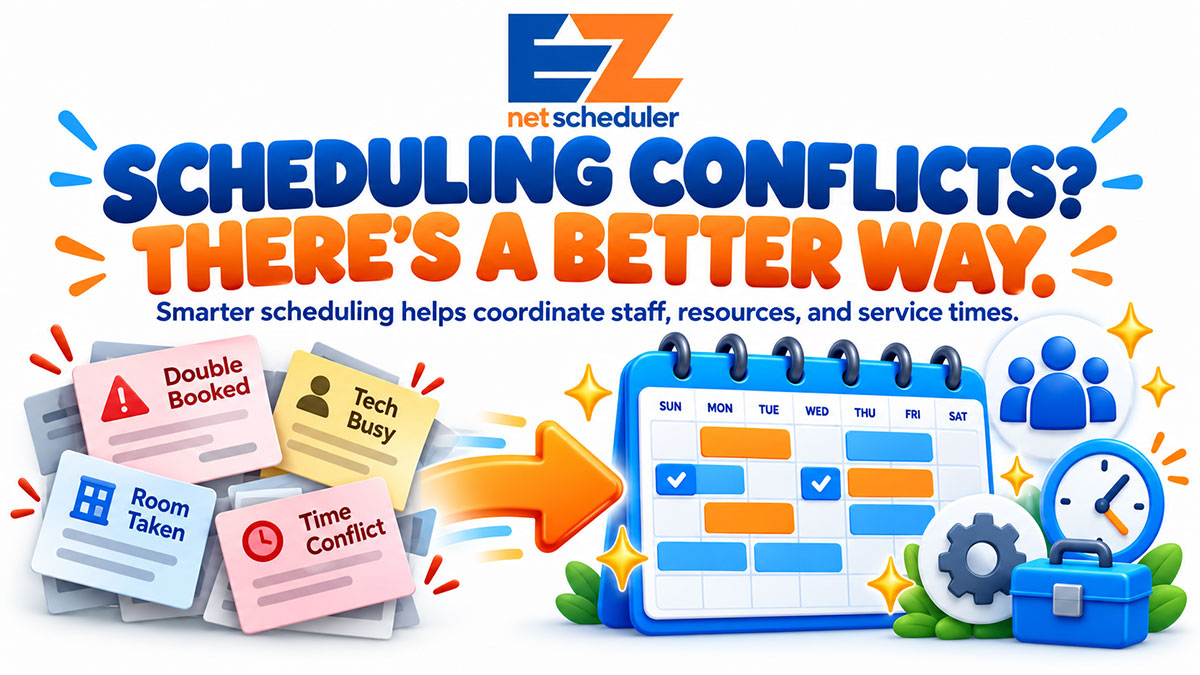
Managing appointments might seem simple until your business starts getting busy. Suddenly, two customers are booked for the same time, an employee is unavailable, or a service requires equipment that's already in use.
These scheduling conflicts can lead to frustrated customers, wasted time, and unnecessary stress for your team.
The good news? With smarter appointment scheduling, many of these problems can be prevented before they happen.
Why Double Bookings Happen
Double bookings aren't always caused by someone accidentally scheduling two customers at the same time.
For many service businesses, scheduling involves coordinating multiple moving parts.
An appointment may require a specific employee, room, piece of equipment, or amount of time. If even one of those isn't available, the appointment can create a conflict.
Common scheduling problems include:
- Two appointments assigned to the same employee
- A service room or piece of equipment booked twice
- Appointments scheduled without enough time to complete the service
- Last-minute changes that aren't communicated to the team
- Multiple employees managing appointments on separate calendars
As a business grows, managing all these details manually becomes increasingly difficult.
Ways to Reduce Scheduling Conflicts
Keep Employee Availability Up to Date
Your scheduling system should reflect when employees are actually available.
That includes regular working hours, lunch breaks, vacations, and time off.
When staff availability is accurately maintained, businesses can avoid booking appointments with employees who aren't available.
Manage Equipment, Rooms, and Resources
Sometimes, having an employee available isn't enough.
An auto repair shop may need an open service bay. A salon might require a specific treatment room. A veterinary clinic may need specialized equipment.
Coordinating these resources alongside appointments helps prevent overlapping reservations and keeps daily operations running smoothly.
Schedule Around Service Duration
Not every appointment takes the same amount of time.
A quick consultation might require 15 minutes, while a detailed service appointment could take an hour or longer.
Using realistic appointment durations helps prevent scheduling overlaps, rushed services, and unnecessary customer wait times.
Keep Everyone Working From the Same Schedule
When appointments are managed through separate calendars, spreadsheets, or handwritten notes, important updates can get missed.
A centralized scheduling system gives employees a consistent view of appointment information, availability, and schedule changes.
That makes it easier to coordinate the day, especially when multiple team members are involved.
Use Intelligent Appointment Scheduling
Rather than manually checking every employee, resource, and time slot, intelligent scheduling software can help automate the process.
EZnet Scheduler's Intelligent 4-Way Scheduling considers four important factors:
- Staff availability: Who is available to perform the service?
- Required resources: Are the necessary rooms or equipment available?
- Customer preferences: Does the appointment match the customer's scheduling needs?
- Service duration: Is enough time available to complete the appointment?
By bringing these factors together, businesses can reduce scheduling conflicts and spend less time coordinating appointments manually.
Better Scheduling Creates a Better Customer Experience
Scheduling isn't just about keeping your calendar organized. It directly affects how customers experience your business.
When appointments run smoothly, customers are less likely to encounter unexpected delays, last-minute changes, or confusion about their bookings.
For business owners and employees, an organized schedule also means fewer interruptions and more time to focus on delivering quality service.
Whether you operate a salon, automotive service center, cleaning company, medical practice, or another appointment-based business, better scheduling helps create a more reliable experience for everyone.
Take the Guesswork Out of Scheduling
Your business has enough moving parts without adding scheduling conflicts to the list.
EZnet Scheduler helps businesses coordinate appointments, staff availability, service durations, and required resources through one centralized scheduling system.
With intelligent scheduling tools, online booking, and real-time schedule updates, managing a busy calendar doesn't have to be complicated.
Smarter scheduling means fewer conflicts, less administrative work, and more time for your customers.
Ready to Simplify Your Schedule?
Discover how EZnet Scheduler can help you organize appointments and keep your business running smoothly.
Explore EZnet Scheduler Features
Start free and explore advanced scheduling features as your business grows.


